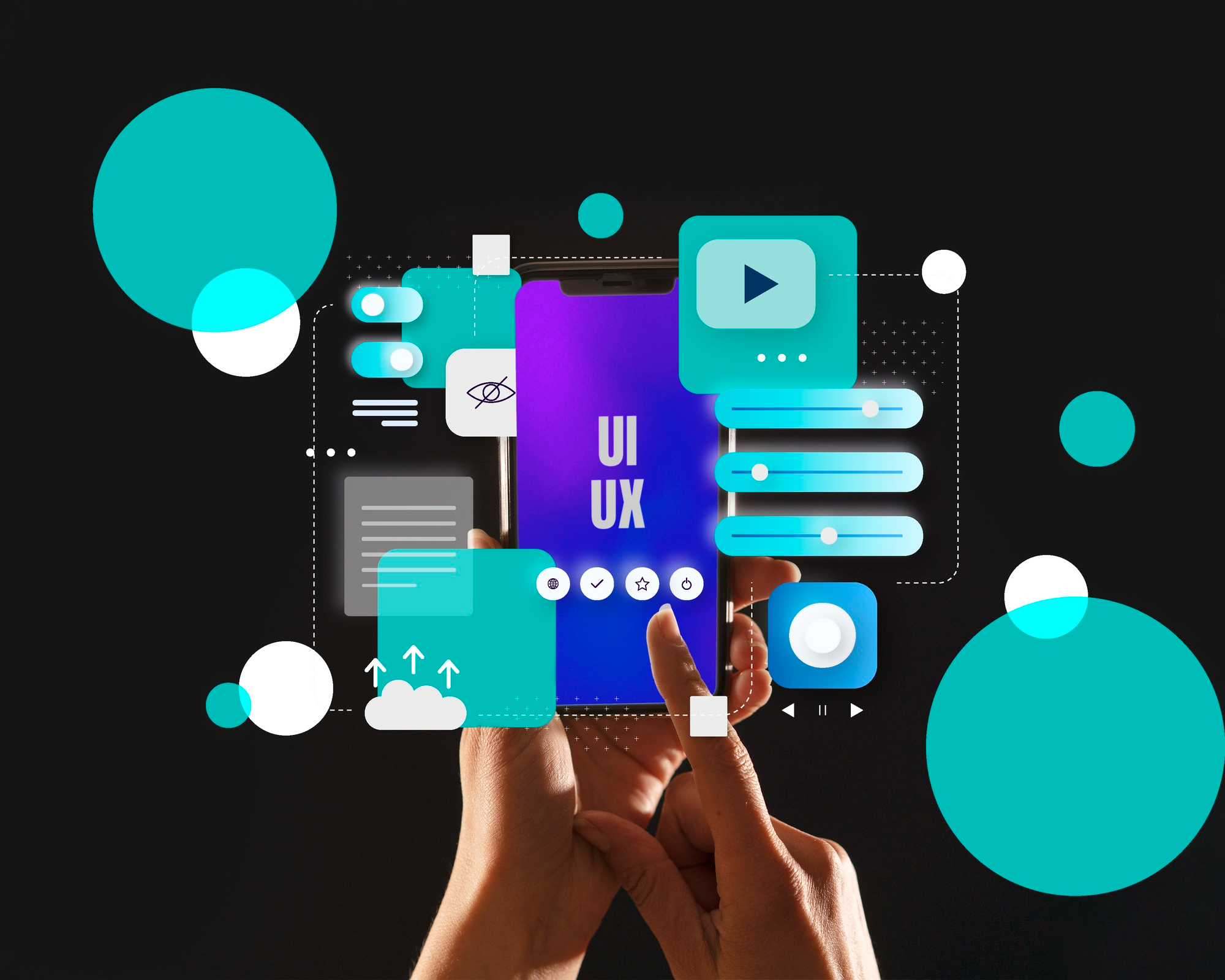

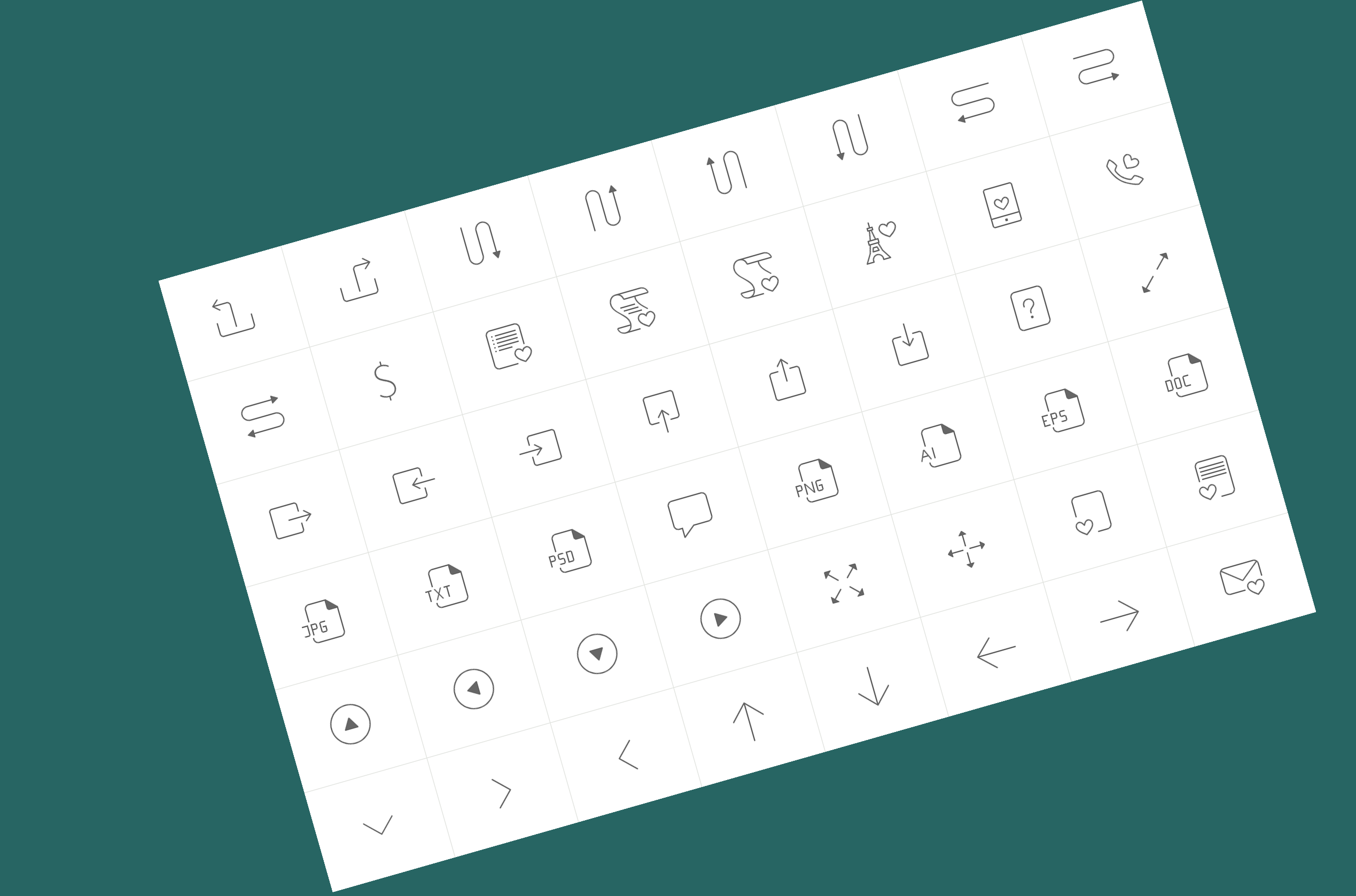
Icons are a cornerstone of user interface (UI) design, serving as a visual language that enhances usability, navigation, and overall user experience (UX). When thoughtfully designed and implemented, icon systems make interfaces more intuitive, efficient, and visually appealing. Below, we explore the key principles of effective icon design, their integration into UI systems, and some of the best resources for sourcing and utilizing icons in your projects.
🔣 Why Icon Systems Matter
Icons transcend language barriers, offering a universal way to communicate actions, statuses, or concepts quickly. A well-executed icon system can reduce cognitive load, guide users seamlessly through an interface, and reinforce brand identity. However, poorly designed icons can confuse users and detract from the experience, making attention to detail critical.
📑 Key Principles of Icon Design
- Consistency and Quality
A cohesive icon set maintains a uniform style, weight, and level of detail. Consistency ensures icons feel like part of the same family, while professional craftsmanship guarantees they remain sharp and legible across devices, screen sizes, and themes (e.g., light and dark modes). High-quality icons elevate the aesthetic and functional value of a design. - Clarity and Recognizability
Icons should be instantly understandable, even at small sizes or with a quick glance. Universal icons — like a magnifying glass for search or a trash can for delete — rely on familiar metaphors to convey meaning efficiently. Avoid overcomplicating designs with excessive details that obscure intent. - Design Principles
Effective icons adhere to foundational design rules: simplicity, balance, and alignment. Simple shapes and minimalistic forms prevent visual clutter, while proper alignment with grids or other UI elements ensures harmony within the interface. - Scalability
Icons must remain legible and crisp at various sizes, from tiny mobile toolbars to larger desktop displays. Vector formats like SVG are ideal for scalability, ensuring icons don’t pixelate or lose quality when resized. - Integration with Design Systems
Icons are rarely standalone; they’re part of a broader design system that includes typography, colors, layouts, and components. A well-integrated icon system complements these elements, creating a unified and polished interface that reflects the brand’s identity. - Customization and Flexibility
Modern icon sets often allow designers to tweak attributes like size, stroke width, color, or orientation. This adaptability ensures icons align with specific project needs or branding guidelines while maintaining consistency across applications. - Accessibility
Inclusive design is non-negotiable. Icons should be discernible to all users, including those with visual impairments. Pairing icons with tooltips, labels, or alternative text (alt text) ensures meaning isn’t lost. Additionally, high contrast and colorblind-friendly palettes enhance visibility. - Cultural Considerations
Icons that make sense in one culture may confuse users in another. For example, a mailbox icon might not resonate in regions where physical mail is uncommon. Researching your audience’s cultural context can prevent miscommunication.
🧡 Benefits of Using Icon Systems
- Efficiency in Workflow
Pre-designed icon sets save time, allowing designers to focus on higher-level tasks like layout and interaction design rather than crafting custom icons from scratch. - Enhanced User Navigation
Intuitive icons reduce the learning curve, helping users interact with an interface confidently. - Brand Reinforcement
Custom or tailored icons can subtly embed a brand’s personality into the UI, fostering familiarity and trust.
📃 Top Platforms for Sourcing Icons
Here are some of the best platforms for finding high-quality icons to elevate your UI designs:
Streamline
Streamline offers premium icon sets with a focus on modern, trendy aesthetics. Its collections are perfect for designers seeking unique, high-quality visuals for apps or websites.
Iconfinder
With over 6 million icons, illustrations, and 3D assets, Iconfinder is a treasure trove for designers. Available in formats like SVG, AI, and PNG, it offers both free and premium options, catering to diverse styles and needs.
Flaticon
Boasting a database of over 8 million icons, Flaticon is a go-to for free, customizable icons in SVG, PSD, PNG, and EPS formats. Its user-friendly interface and vast collection make it a favorite among designers.
Icons8
Icons8 delivers icons, illustrations, and 3D models in styles like iOS, Material, and Windows. Its free and premium offerings are versatile for web, mobile, and graphic design, with tools like background removal and color adjustments.
The Noun Project
Known for its minimalist and universal iconography, The Noun Project offers a massive library of icons created by a global community. It’s ideal for clean, simple designs and supports SVG and PNG downloads.
Font Awesome
A staple for web designers, Font Awesome provides scalable vector icons that can be customized with CSS. Its free tier includes thousands of icons, with a pro version unlocking even more options.
🔎 Figma Extensions and Other Tools for Icon Utilization
For designers working in Figma or similar tools, integrating icons into workflows is easier than ever with these extensions and resources:
Google Fonts + Material Symbols
Beyond traditional icon sets, Google’s Material Symbols offer customizable, variable icons (adjustable in weight, fill, and optical size) that can be imported into design tools or used via code.
Iconify (Figma Plugin)
Iconify gives you access to thousands of open-source icons directly in Figma. Search, import, and customize icons without leaving your workspace.
Feather Icons (Figma Plugin)
Feather provides a lightweight, open-source icon set with a clean, minimal style. The plugin lets you insert and tweak icons seamlessly.
Material Icons (Figma Plugin)
Google’s Material Design icons are available via this plugin, offering a robust library of icons aligned with Material Design principles.
Unsplash + Icons (Figma Plugin)
Beyond photos, Unsplash’s plugin includes a curated selection of free icons, blending seamlessly into Figma projects.
Custom Icon Libraries in Figma
Designers can create and share their own icon libraries in Figma using components. This is perfect for teams maintaining a consistent design system across projects.
📰 Additional Considerations
- Testing and Feedback
Icons should be user-tested to ensure they’re intuitive. A/B testing or usability studies can reveal whether an icon communicates its intended meaning effectively. - Performance Optimization
Large icon sets can slow down an interface if not optimized. Use sprite sheets, icon fonts, or SVGs to minimize load times. - Trends in Icon Design
Current trends lean toward neumorphism, 3D icons, and animated micro-interactions. Staying aware of these shifts can keep your designs fresh and engaging.
Conclusion
Icon systems are more than decorative elements — they’re functional tools that bridge the gap between users and interfaces. By prioritizing consistency, clarity, and accessibility, designers can craft icon sets that enhance usability and delight users. With platforms like Iconfinder, Flaticon, and Icons8, plus Figma extensions like Iconify and Feather, the resources to create or source impactful icons are at your fingertips. Whether you’re building a mobile app, website, or desktop software, a well-designed icon system is a small investment with a big payoff.